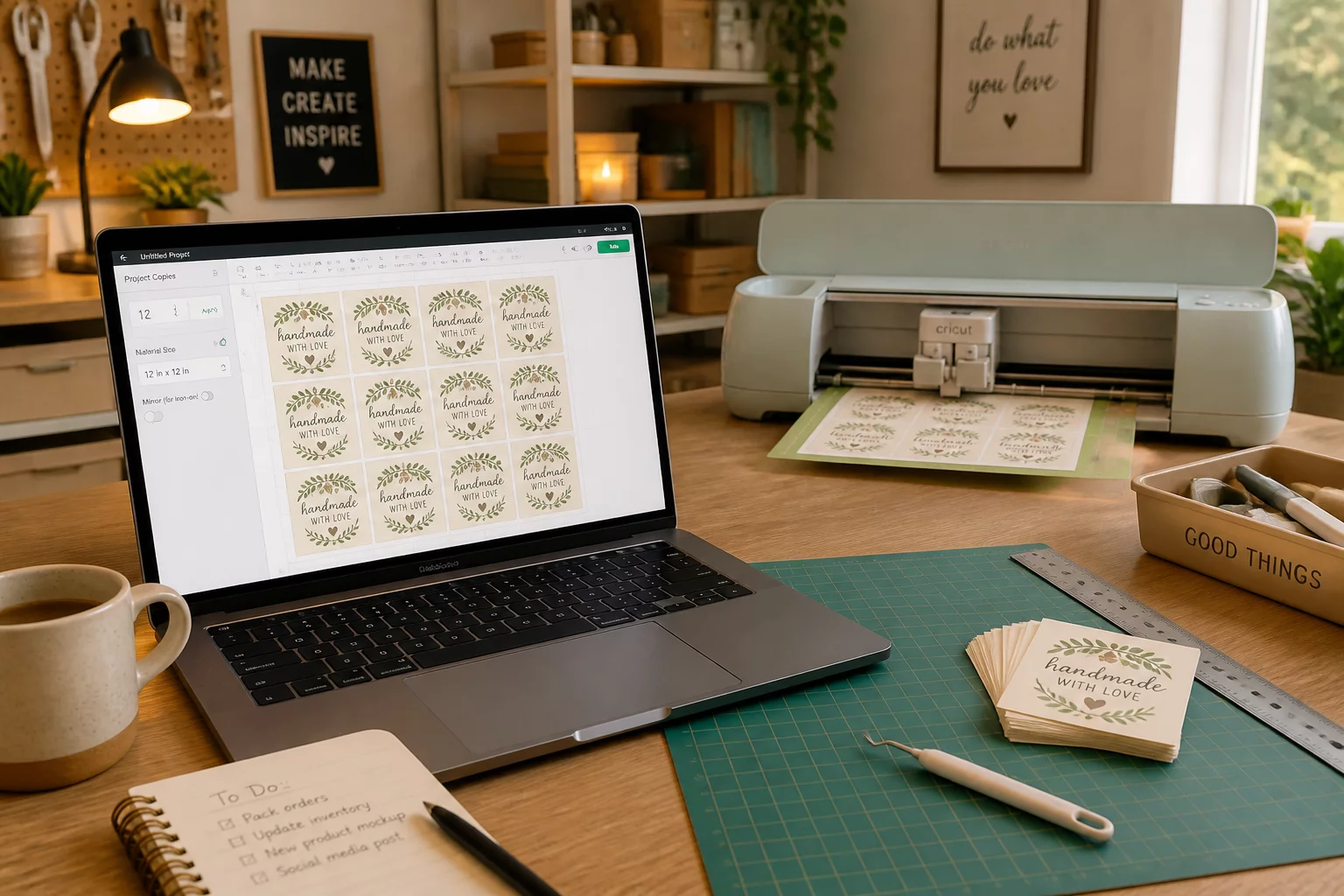
1. Batch Architecture vs Single-Unit Layouts
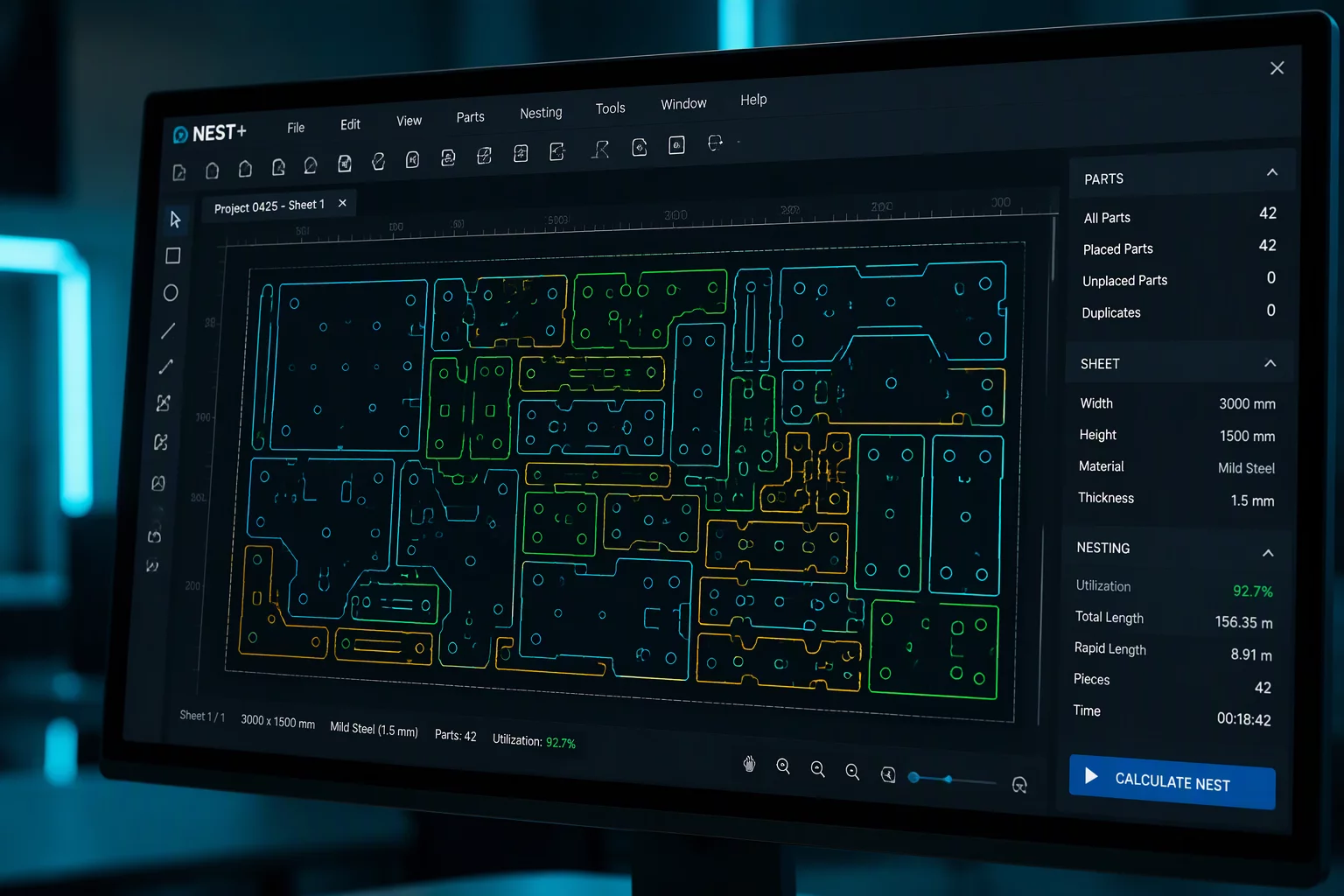
Arranging parts for a single prototype focuses entirely on squeezing items into available empty space. In contrast, true production sets require deterministic component placement that stays constant through endless sheet changes. When cutting fifty identical apparel badges or hundred-piece acrylic assemblies in Silhouette Studio, moving cut vectors manually on each sheet introduces human error, inconsistent blade wear, and unpredictable weeding paths.
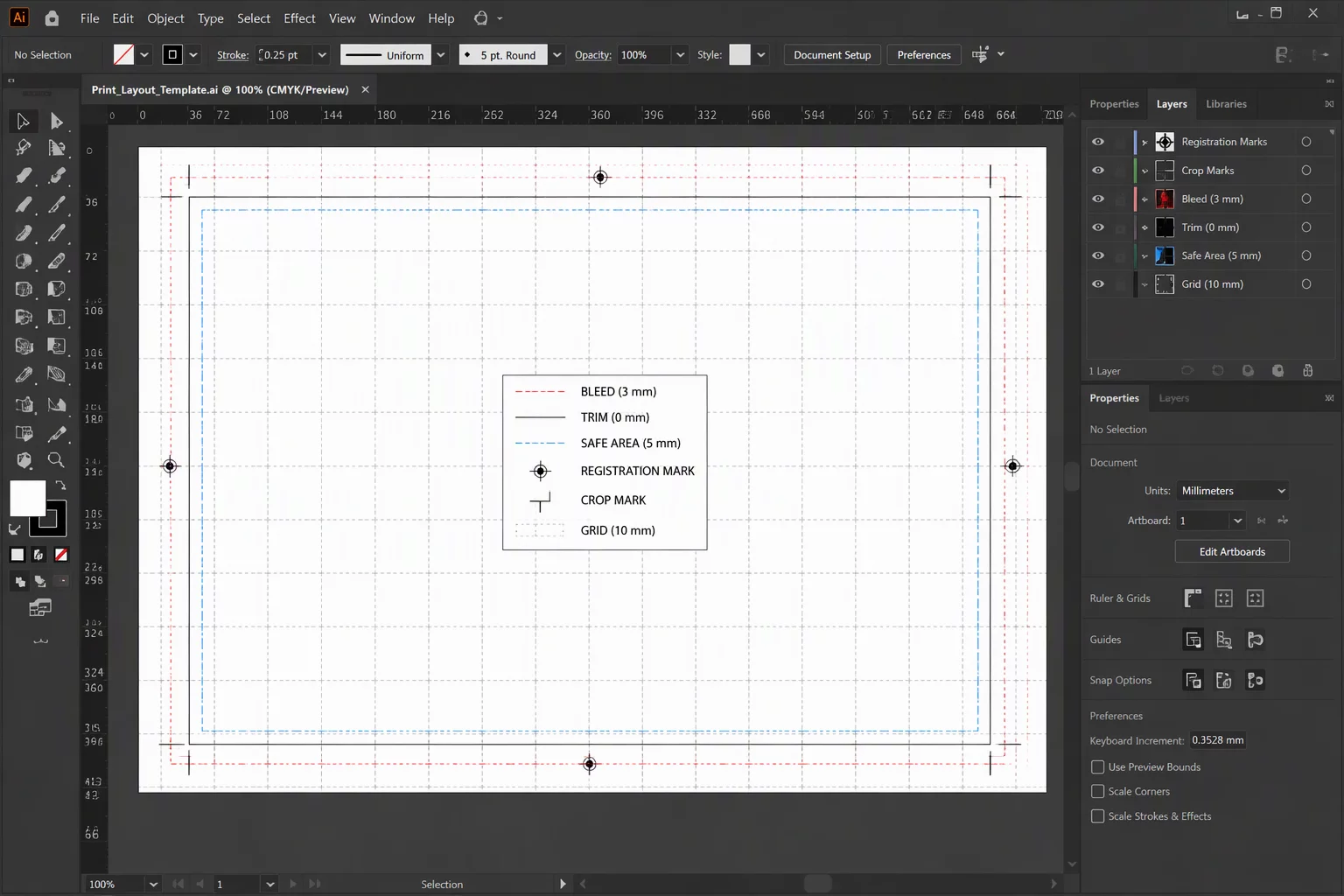
Standardize your master template with rigid external boundaries. Defining strict sheet grids before placing elements guarantees that every piece maintains uniform edge spacing, allowing the cutting carriage to maintain smooth velocity curves across continuous toolpaths without erratic direction changes.
Critical Production Metric
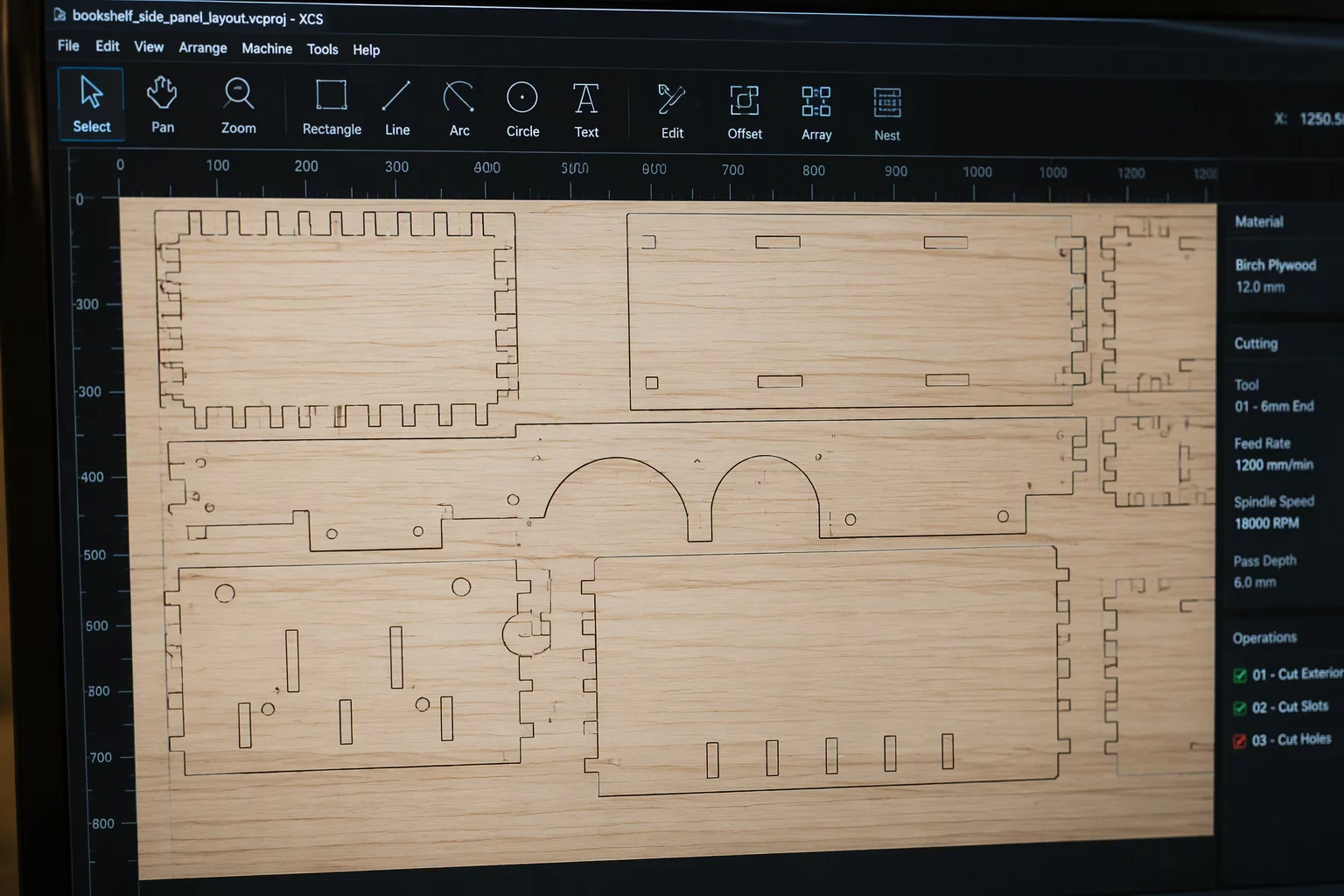
Compare placement, material direction, spacing, and post-cut handling using your actual pieces and sheet boundary. Clustered linear layouts minimize unnecessary blade lift and rapid traverse distance.
2. Multi-Sheet Registration & Grouping Logic
Managing complex multi-material production runs requires separating design aesthetics from mechanical execution. Silhouette Studio allows color-coded cut line definitions, enabling operators to assign distinctive tool actions per pass.
- Assign distinct cut line colors for internal cutouts, perimeter scoring, and final border knockouts.
- Convert repeated shape clusters into Compound Paths to prevent accidental ungrouping during drag operations.
- Save unified production sheets with locked alignment guides matching the cutting mat origin coordinates.
Establishing this rigid hierarchical grouping ensures that when a design file is reopened for a new batch, all cut orders, depth pressures, and speed parameters remain rock solid without re-testing.
Roller Tracking Caution
Never place critical cut boundaries within 15 mm of the grit roller grip path on continuous roll feed setups, as micro-slippage will accumulate over long multi-yard runs.
3. Preventing Drift & Wear Across Runs
Material tension and roller grip change as rolls or sheet stacks cycle through the workshop. Standardize your layout margins with generous edge buffers (at least 8–10 mm on sides and 15 mm at leading and trailing sheet edges). These buffers absorb slight media feed skew without clipping peripheral shapes.
Consistent production runs also rely on predictable weeding channels. Place dedicated weed lines—horizontal and vertical dividing cuts—between item clusters in Silhouette Studio. This divides the scrap matrix into manageable sections, drastically cutting down post-cut processing time and saving fragile component edges.