Business Edition CoreSilhouette Studio Business Edition Nesting Features
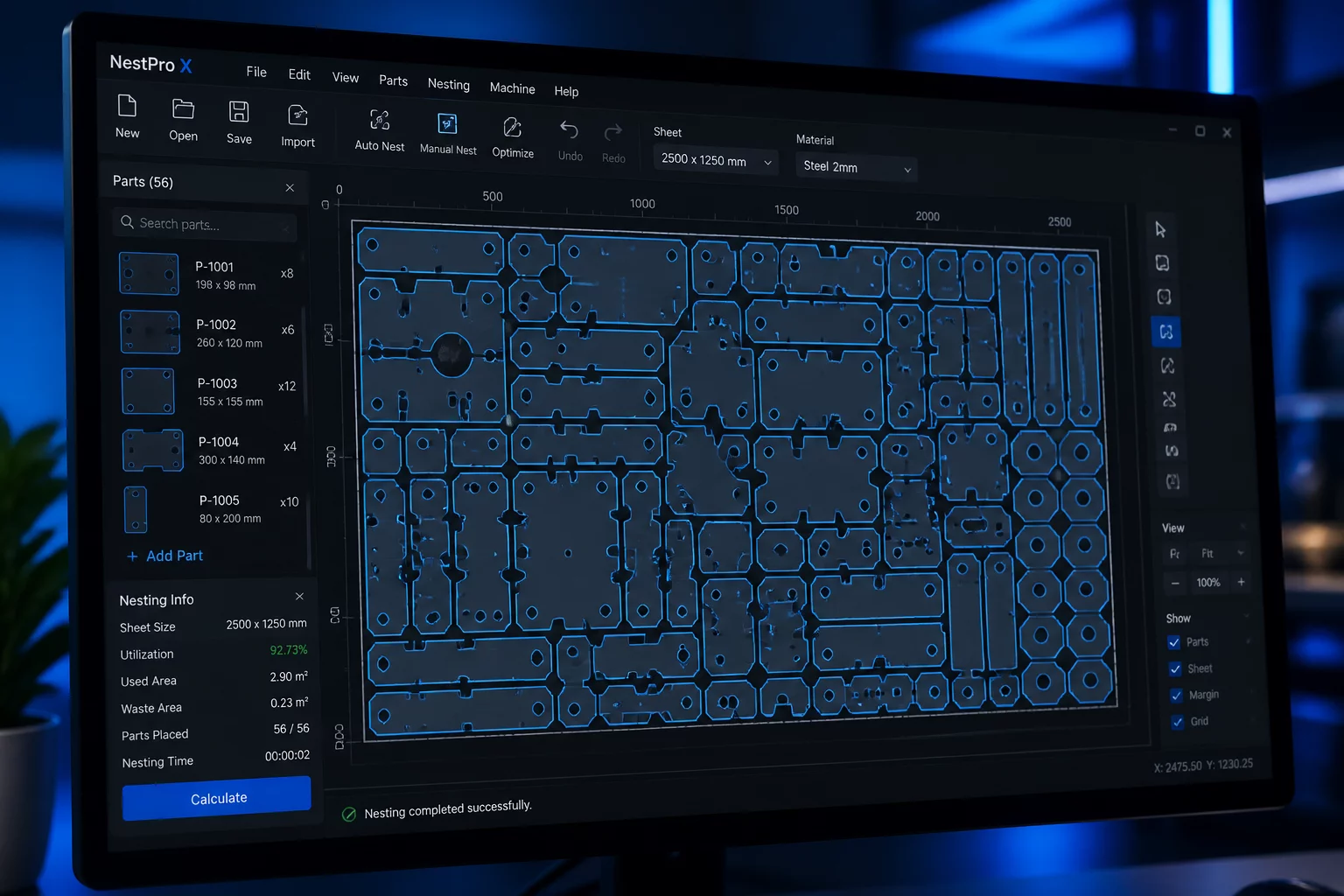
A deep technical evaluation of automated shape orientation, boundary padding settings, and nested yield performance versus manual tessellation in Silhouette Studio.
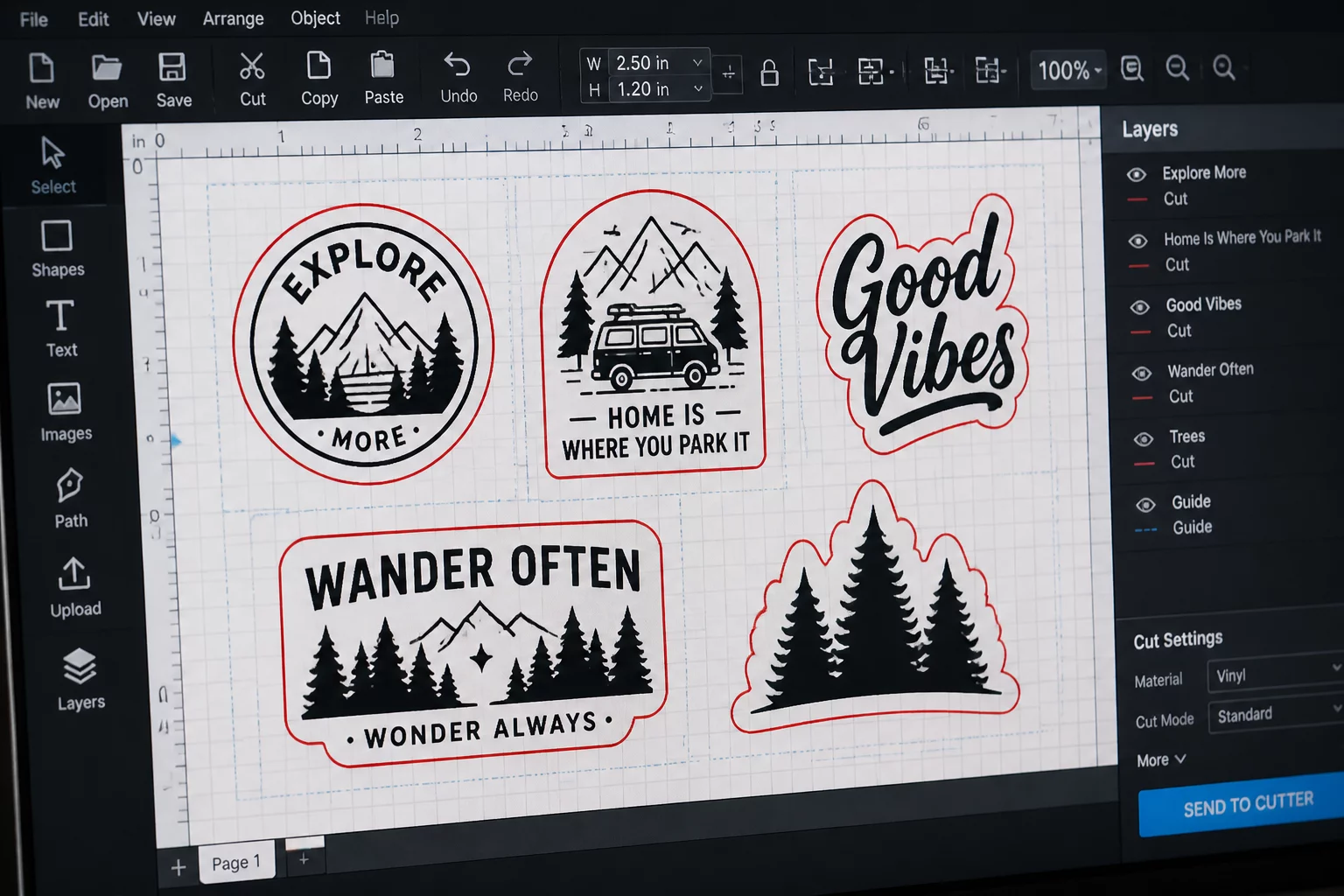
Mastering nested vector layouts, registration optical thresholds, mixed dimension spacing, and batch production controls in Silhouette Studio.
Explore actionable layout workflows tailored for craft cutters and small-batch production lines. Learn when Silhouette Studio Business Edition automatic nesting accelerates cutting throughput and where manual margin control prevents registration sensor read failures.
Business Edition CoreA deep technical evaluation of automated shape orientation, boundary padding settings, and nested yield performance versus manual tessellation in Silhouette Studio.

Registration ControlDetermine exact carrier safe zones, optical eye sweep thresholds, and border offsets required to stop sensor reading faults on reflective vinyl and glitter sticker sheets.
Print & CutPacking varied die-cut stickers into empty dead-zones around larger graphics to maximize sheet utilization.
Production SetsTemplate frameworks, multi-page document organization, and batch job preparation for repeatable small runs.
Grain & DirectionManaging material stretch, holographic gradient sweeps, and fibrous paper grain during auto-nest operations.
Layer OrderStructuring cut by line color, fold score passes, and perforation sequences across complex multi-step jobs.
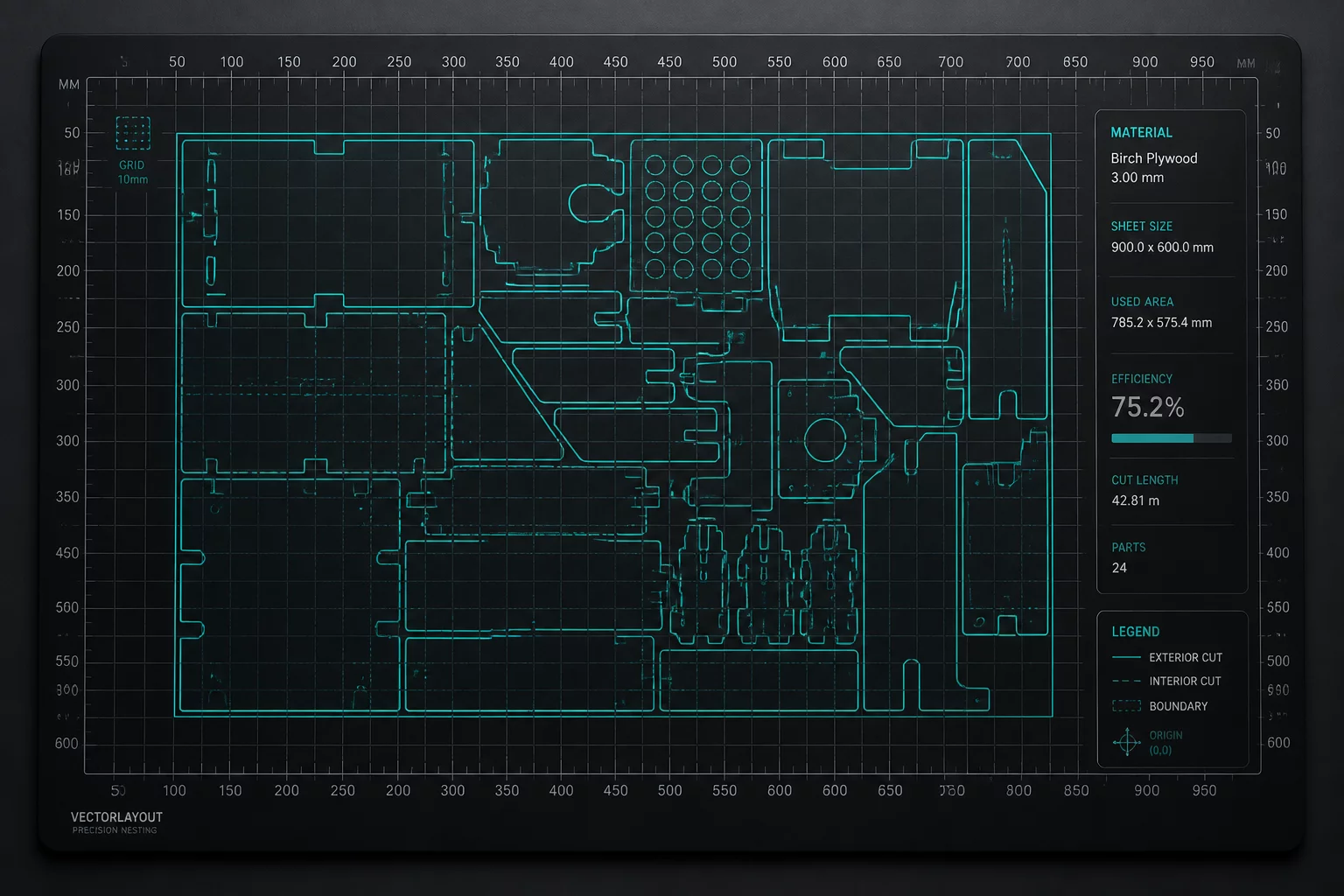
Basic and Designer Editions require manual part packing on the virtual cutting mat. Upgrading to Business Edition unlocks automated raster nesting with user-defined rotation increments, nest area boundaries, and multi-mat batch layouts to optimize high-volume media runs.
Compare density, grouping, and repeat handling before sending a cut.