
Intermediate
Any software
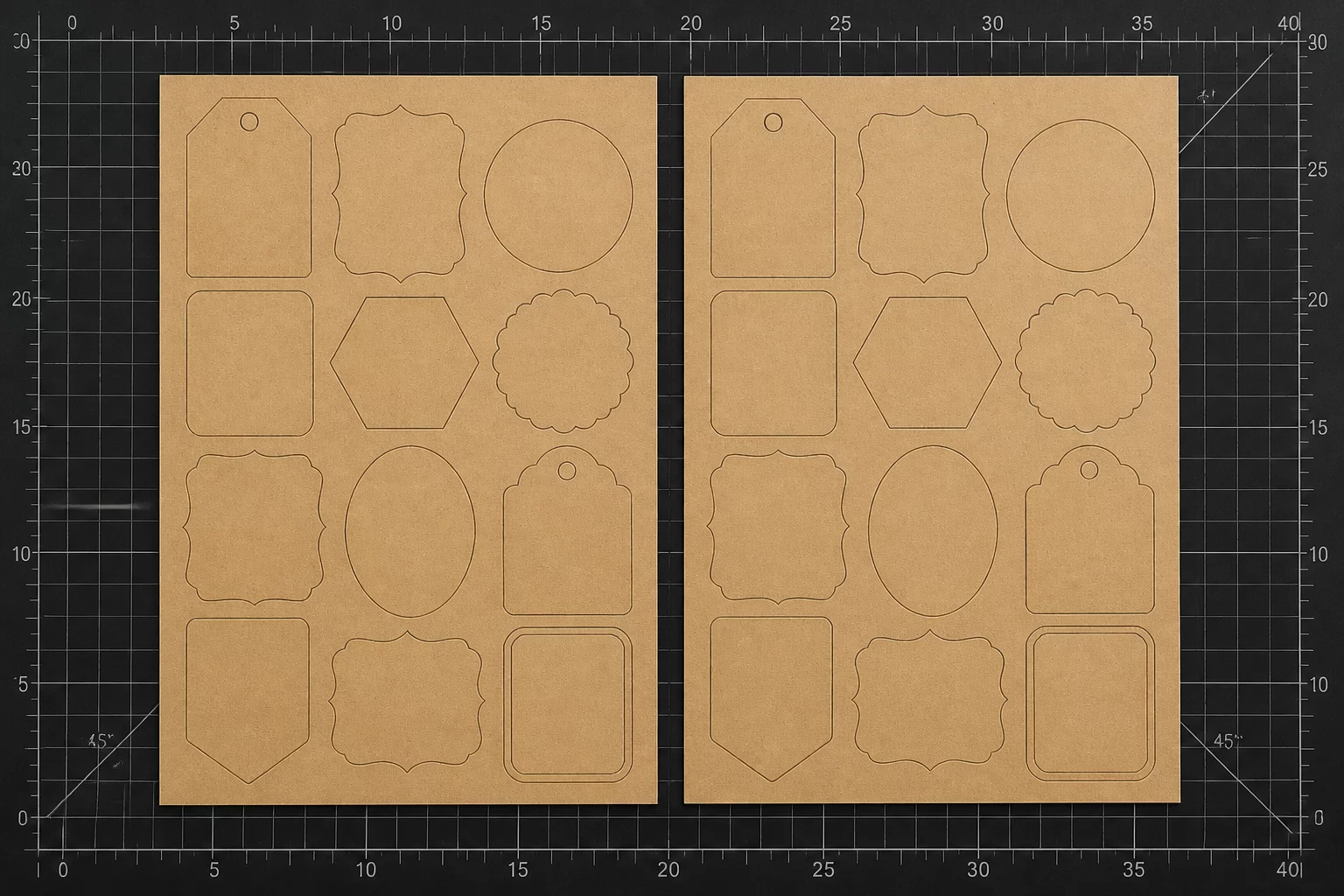
24 Packaging Labels on Two Sheets
Balancing split batches across dual substrate runs without producing unworkable sliver margins.
Compare layout choices for repeated pieces, mixed sizes, margins, orientation, and material use.
Pieces · Boundary · Orientation · Spacing
Pieces + material boundary + orientation rules + spacing → 3 layout options.
Compare density, grouping, and repeat handling before the cut begins.
Craft-production planning · Sheet arrangement
Compare several layouts for one constrained sheet.
Arrange repeating pieces as consistent sets.
Place large and small pieces together.
Keep workable space near the material edge.
Respect rotation and material-direction rules.
Repeat consistent placement across a series of sheets.
Pieces + material boundary + orientation rules + spacing → 3 layout options. What should move, rotate, group, or repeat before the cut begins?
Define workable dimensions, safe registration zones, pinch-roller margins, and edge limits of your cutting mat or roll.
Import vector shapes, determine bounding boxes, assign internal holes, and flag non-deformable text blocks.
Configure spacing clearances, fiber orientation, grain direction, weeding lanes, and rotational freedom.
Generate and compare Layout A, Layout B, and Layout C to pick the exact trade-off between speed, scrap, and ease of handling.
Live Layout Evaluation Engine
Pieces: 24 labels, 48 × 30 mm each. Material boundary: two 210 × 297 mm sheets. Spacing: at least 6 mm. Edge margin: 10 mm. Orientation: upright for grouped and repeat layouts; plain labels may rotate when density is the goal.
What should move, rotate, group, or repeat before the cut begins?
Drag a paper token, or focus it and use arrow keys. The material boundary and minimum spacing stay enforced. Each option keeps the same 24 pieces; compare handling as well as unused space.
Compare three alternatives for the same set of 24 packaging labels: maximize density, preserve groups, or simplify repeat handling.
Components are rotated, interlocked, and nested into negative cavities to minimize unutilized sheet space along cutting edges.
Keeps related kit components, multi-layer offsets, or matched sets together in bounded clusters rather than scattering them across the bed.
Arranges regular grid channels to allow fast linear weeding, quick guillotine separation, and repeatable machine feed calibration.
Compare generic automated packing algorithms against real-world cutting workflow parameters designed for clean separations, grain integrity, and minimal material scrap.
| Planning question | Packing priority | Workshop decision |
|---|---|---|
|
Boundary & Grip Margins
Accounting for plotter roller grip and cut-mat safety perimeters. |
How close can pieces sit to the sheet edge? | Check grip, registration, and material boundaries before placing pieces. |
|
Directional Grain & Rotation
Controlling rotation constraints for patterned vinyl, wood, or brushed surfaces. |
Can these pieces rotate? | Keep printed artwork, grain, and finish aligned where the project requires it. |
|
Weeding & Separation Channels
Spacing parts to allow rapid peeling without damaging intricate neighboring contours. |
How will pieces be separated? | Leave usable gaps and separation lanes for the chosen material and handling method. |
|
Production Repeatability
Batch planning across multiple raw sheets with consistent alignment. |
What should repeat on the next sheet? | Keep groups and reference positions consistent when repeat handling is the priority. |
Explore real sheet allocation exercises and step-by-step yield comparisons.
Examine real cutting scenarios, boundary edge constraints, and yield optimization strategies across different workpiece formats.
Balancing split batches across dual substrate runs without producing unworkable sliver margins.
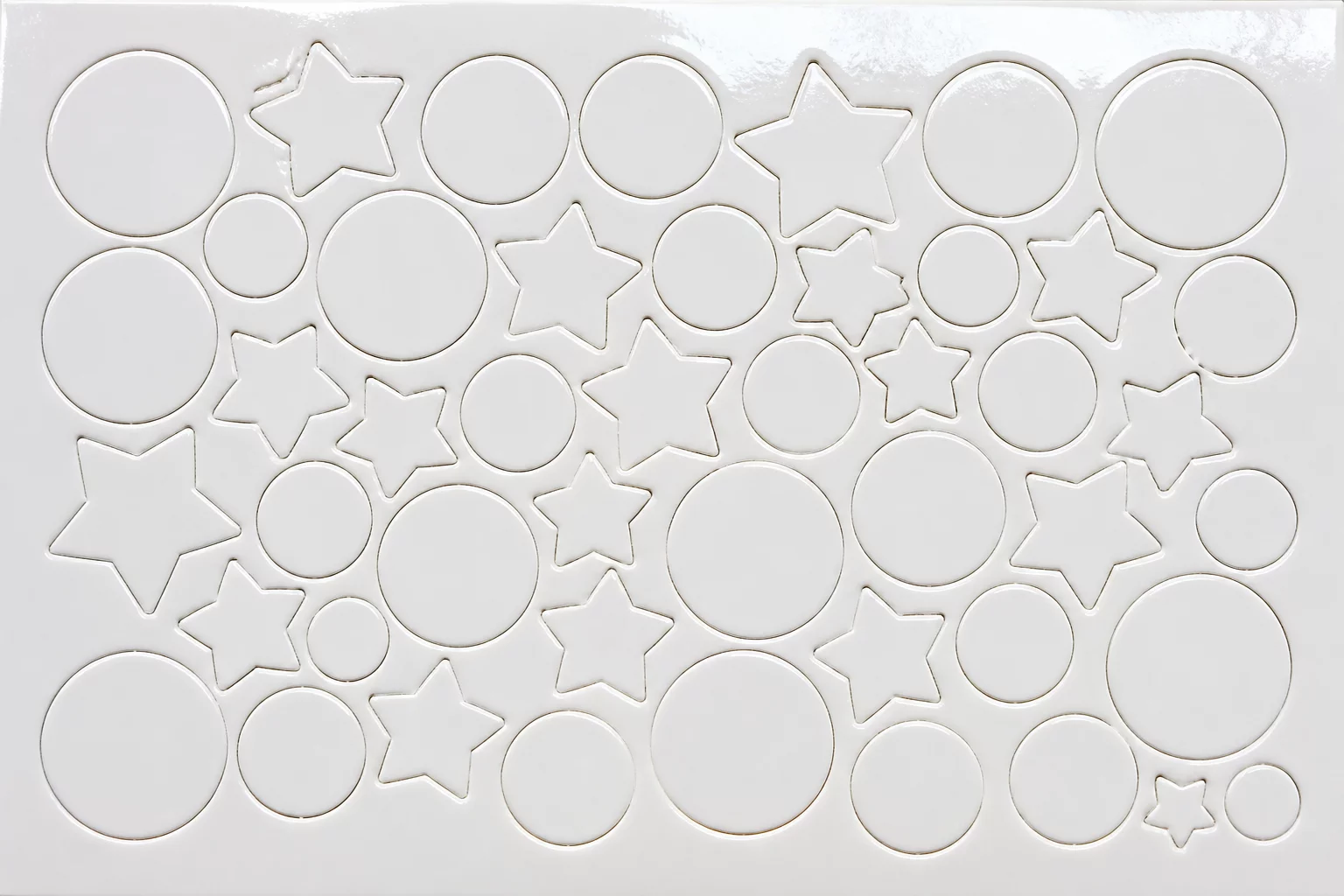
High-density positioning on a 12x12 cut surface to maximize count while maintaining clean weeding paths.
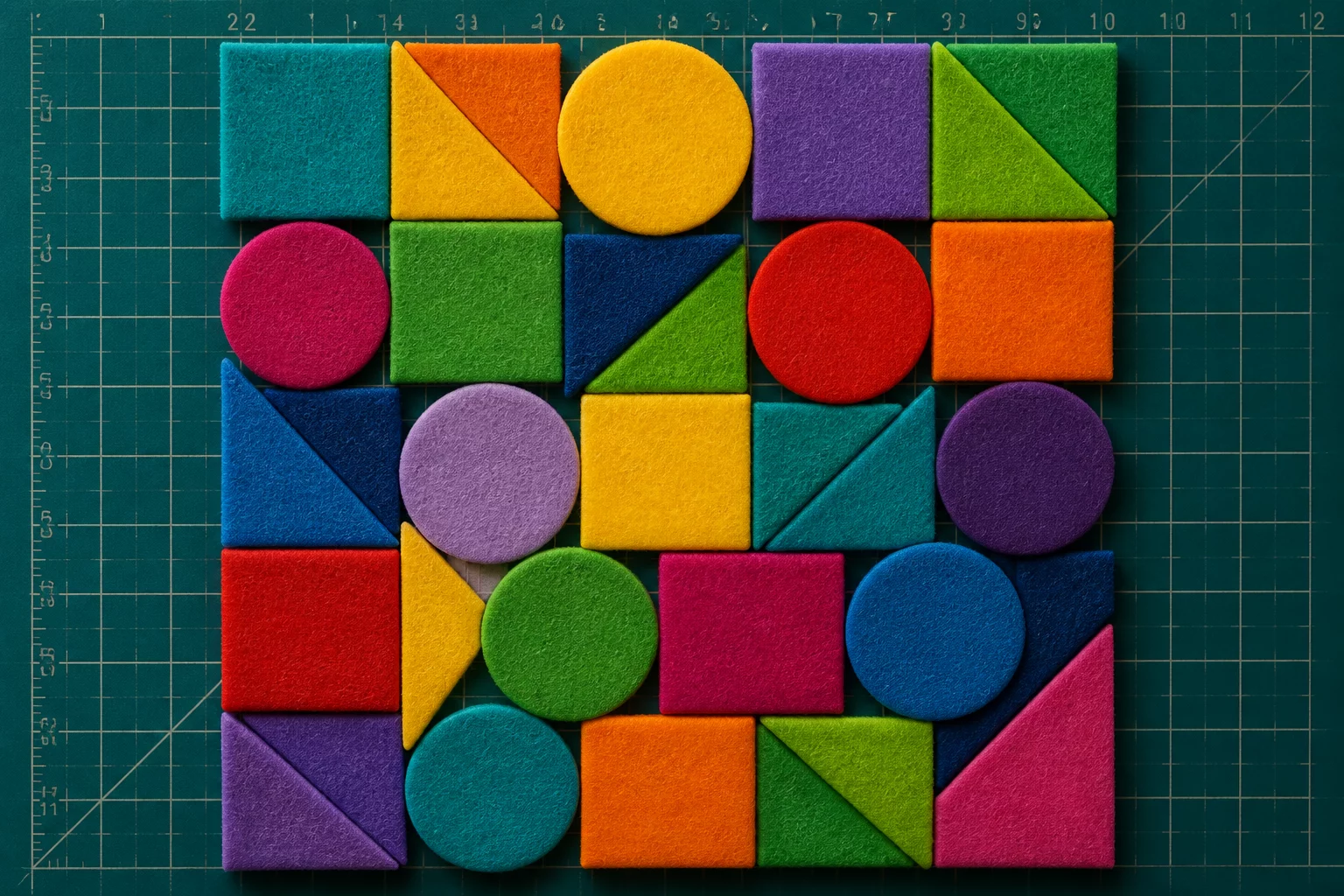
Compare placement, material direction, spacing, and post-cut handling using your actual pieces and sheet boundary.
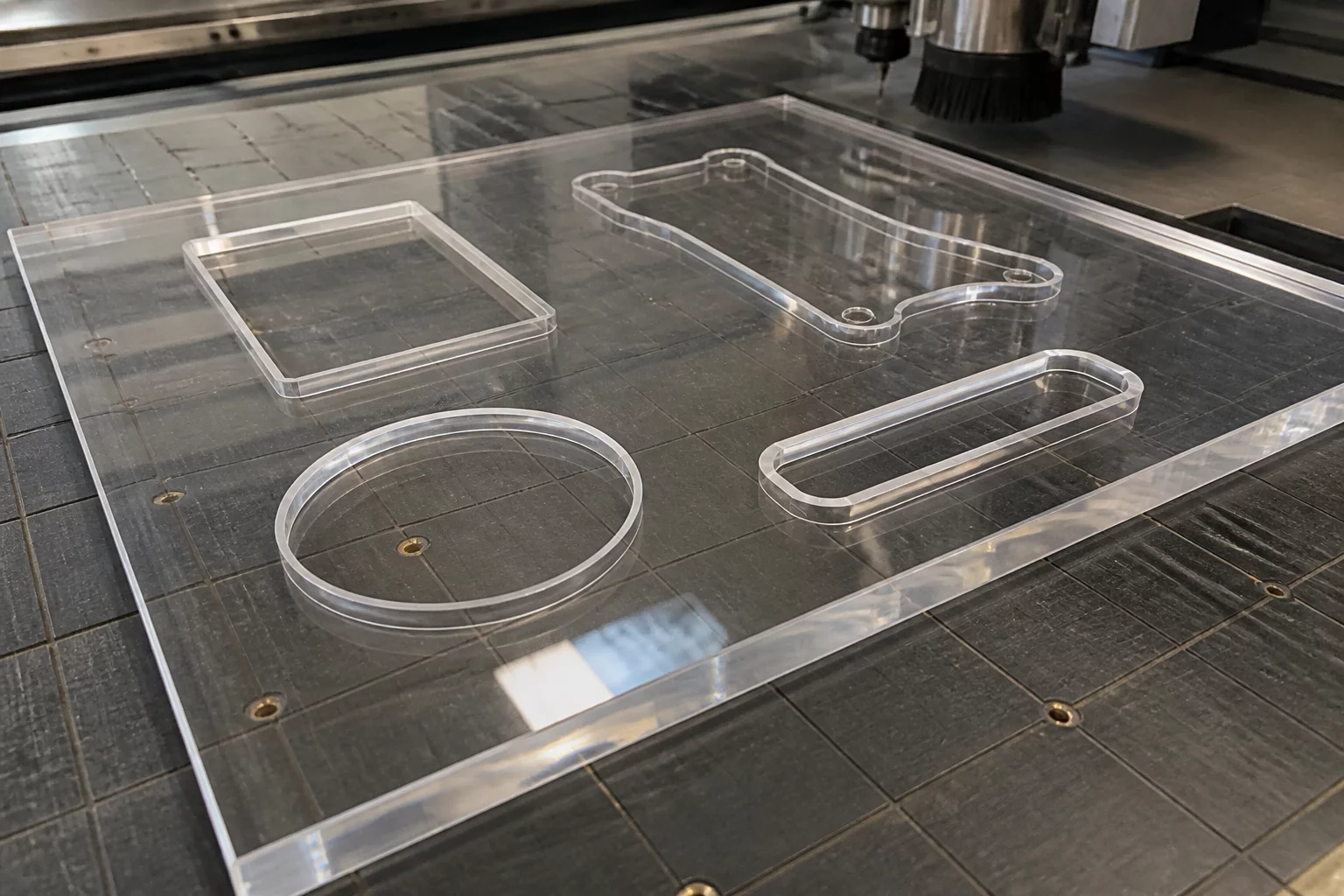
Designing kerf clearance buffers on heavy synthetic substrates to stop heat build-up and cracking.
Explore tested layout methods, orientation trade-offs, and margin controls to maximize sheet yield on your cutting plotter.
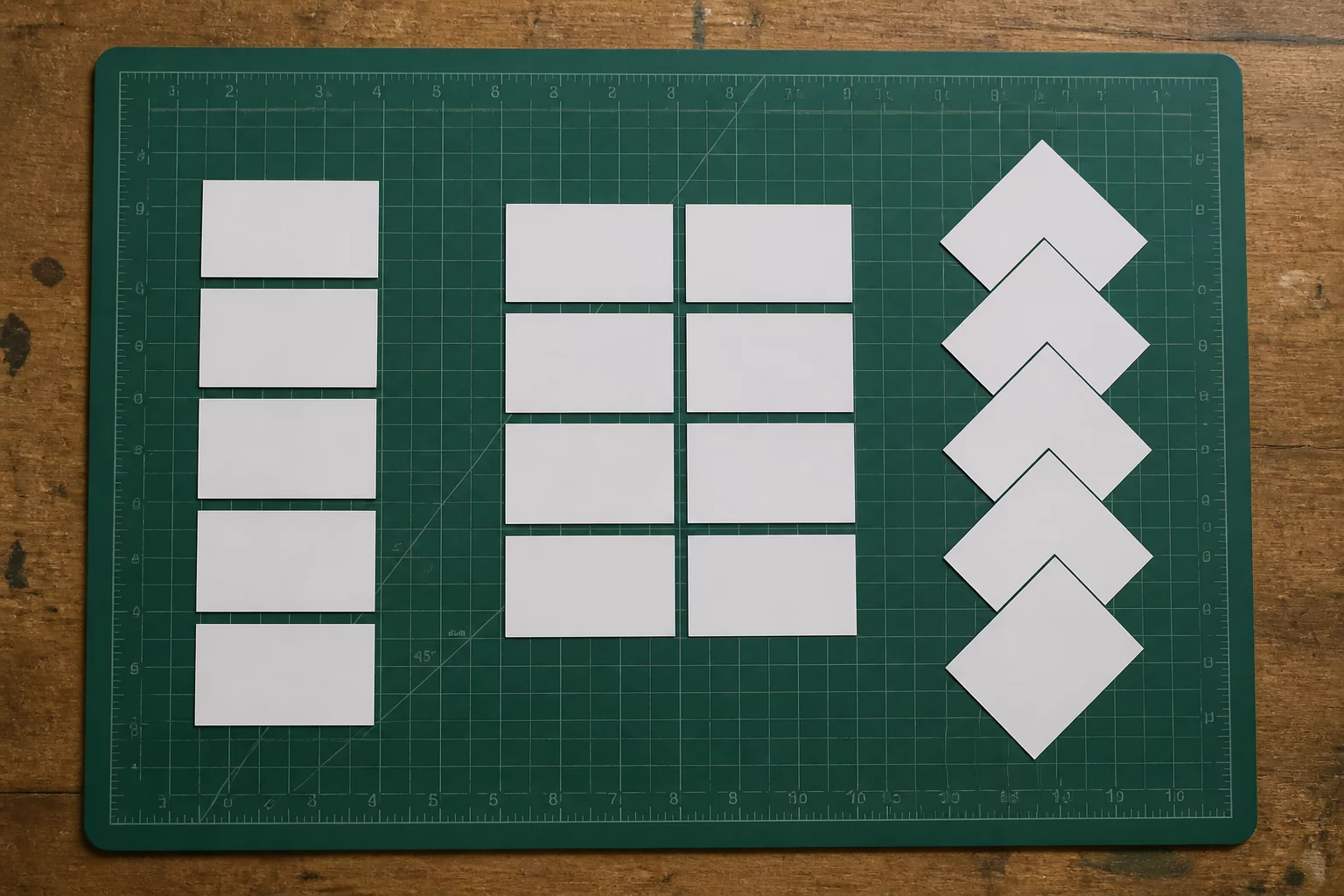
Comparing orthogonal alignments against stepped nesting to minimize offcut scrap while maintaining clean weeding paths.
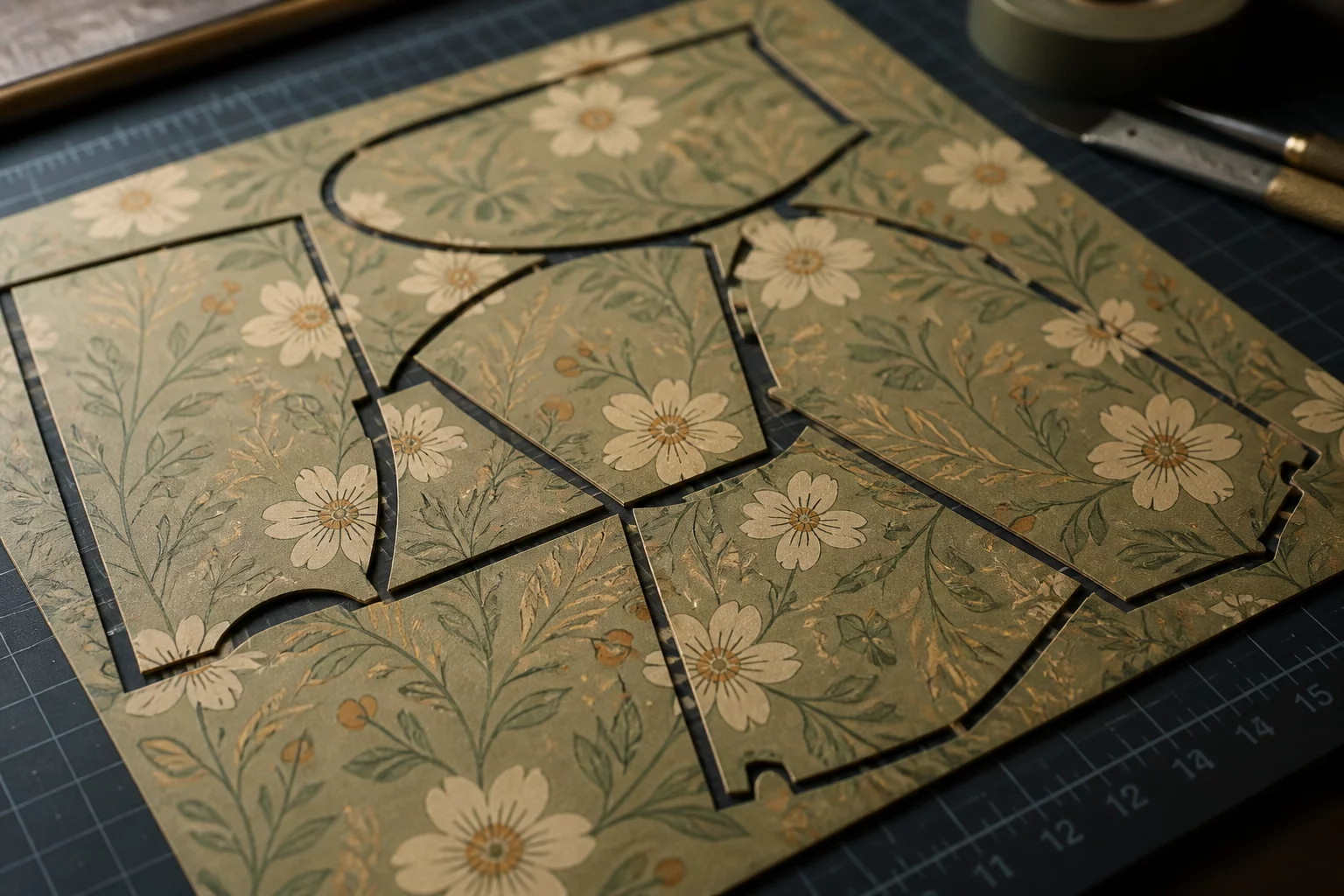
Why grain direction and anisotropic material fibers strictly dictate how and when piece rotation can be applied safely.
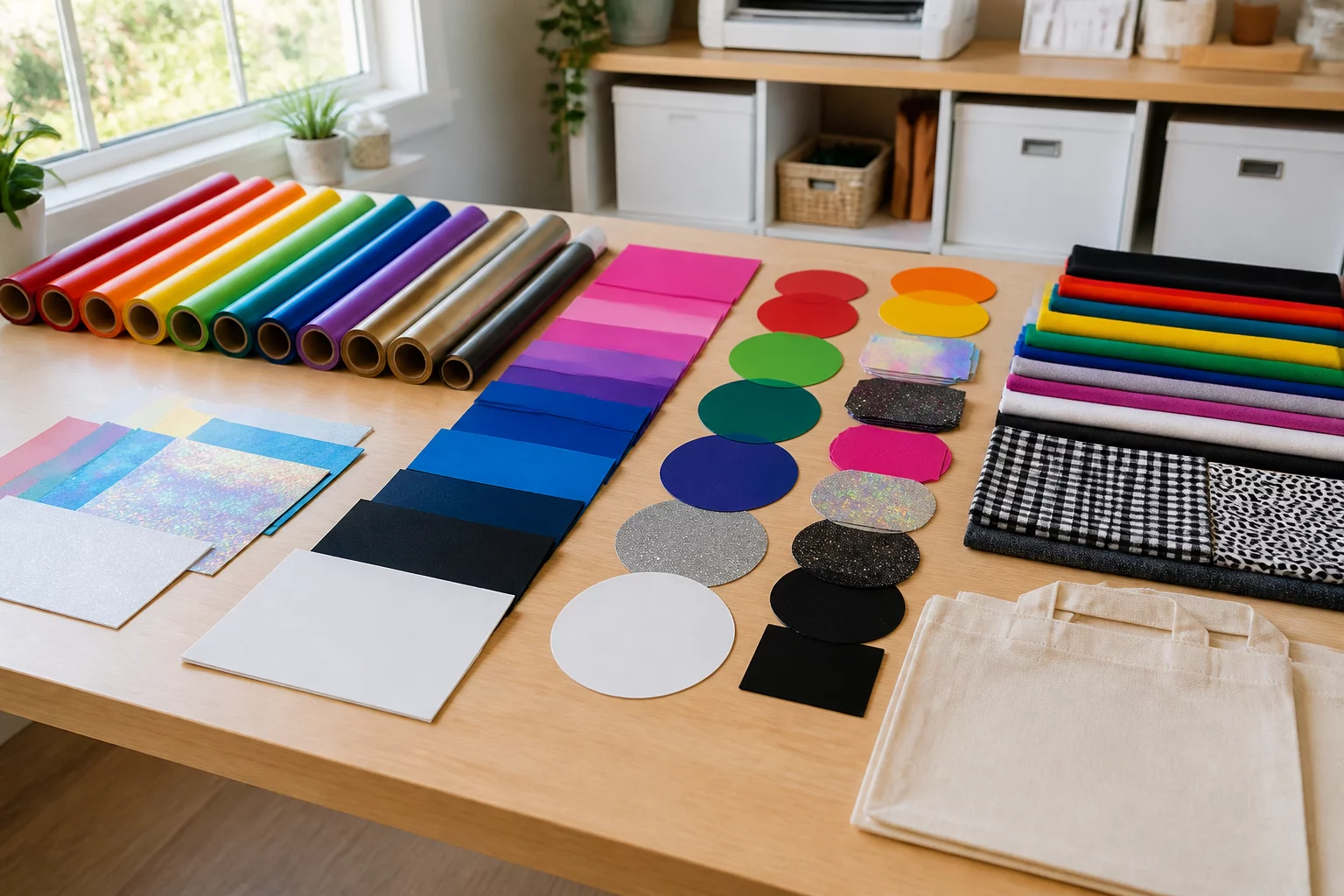
Analyzing sorting workflows: single-sheet multi-colored setups vs batch cutting dedicated full-color sheets.