
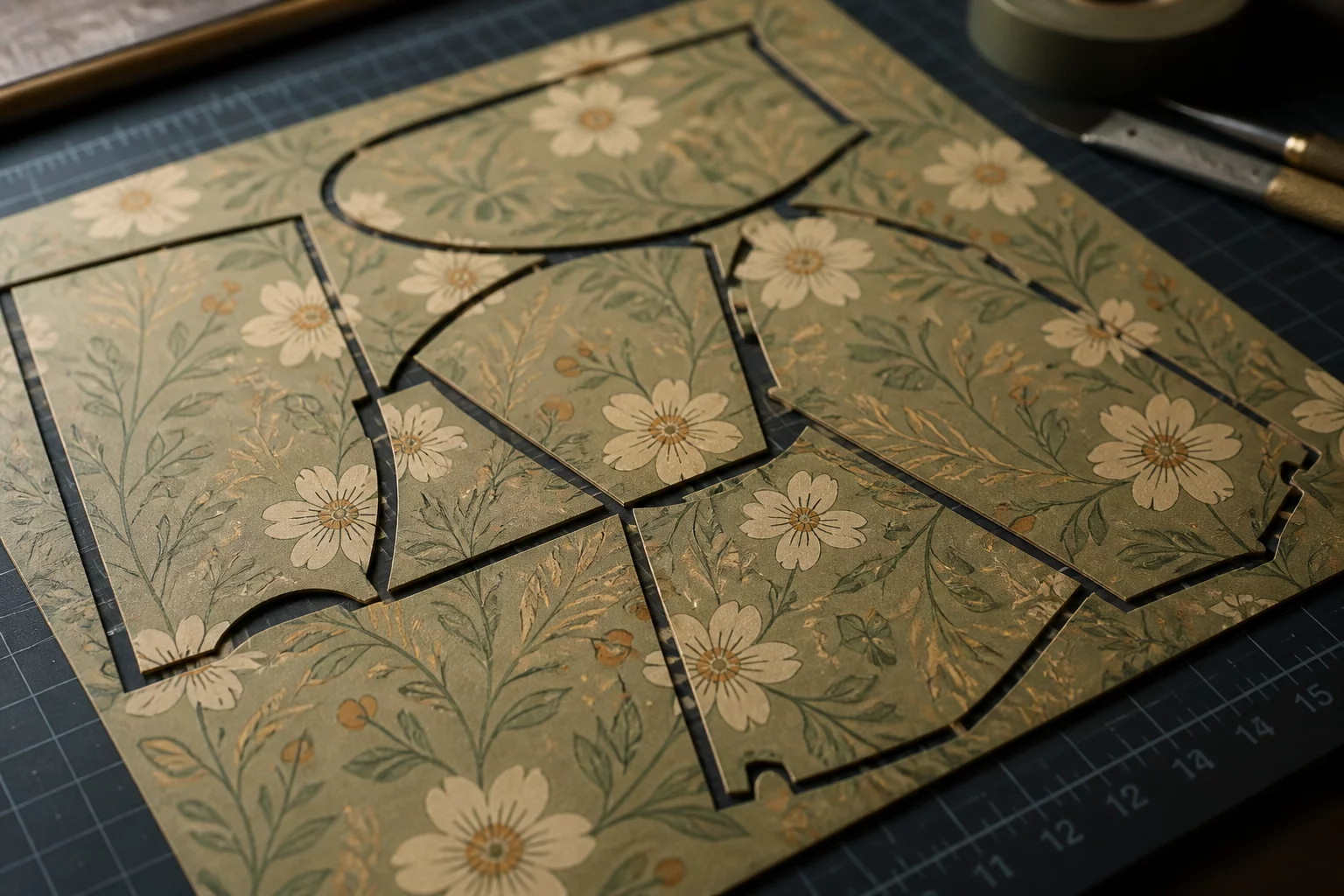
The Geometry of Free Nesting vs. Material Grain
Automated nesting algorithms frequently solve packing puzzles by rotating irregular objects in 90-degree or free-angle increments. In pure geometric calculations, turning a triangular contour or an elongated polygon 180 degrees fills negative space that would otherwise turn into waste scrap. However, physical materials rarely behave like isotropic mathematical planes. Directional patterns, holographic foil gradients, and anisotropic grain structures reveal immediate flaws when rotated pieces sit side-by-side in a finished assembly.
When preparing files for a digital cutter plotter, operators must distinguish between isotropic surfaces—such as solid calendered vinyl or uniform cardstock—and directional media like brushed metallic films, patterned cardstock, and wood veneers. Rotating a brushed aluminum decal 90 degrees creates a visible sheen mismatch under ambient light, destroying the visual uniformity of a multi-piece project despite saving several square inches of raw roll.
Explore interactive layout simulations where rotated pieces alter grain direction, cutter travel time, and material efficiency across standard sheets.
Mechanical Feed Stability and Weeding Dynamics
Space efficiency is only one half of the production equation. The orientation of long, thin pieces relative to the machine roller feed axis directly impacts cut accuracy and blade drag. Cutting a 10-inch slender element parallel to the roller motion risks sheet lifting and edge curling, whereas placing it perpendicular across the pinch rollers maintains sheet tension.
-
1
Visual Texture Uniformity: Holographic, patterned, and brushed substrates reflect light along specific axes; any 90° or 180° rotation creates noticeable shade shifts.
-
2
Material Flexibility & Tensile Grain: Paper and cardstock fold cleanly along the grain line. Rotating score lines 90 degrees against the grain causes cracked fibers and rough creases.
-
3
Blade Path & Drag Vectoring: Aligning delicate cut paths with roller travel reduces media slippage and prevents small cutouts from catching on the blade housing.
In addition, weeding efficiency depends on consistent spacing and uniform layout directions. When parts alternate between horizontal and vertical orientations across a single vinyl sheet, hand-weeding takes longer because the operator cannot pull waste matrices in continuous linear strokes. Evaluating the total labor time versus material cost often proves that preserving a single orientation is cheaper than chasing maximum nesting density.
Balancing Material Yield with Finished Product Integrity
Never prioritize nesting percentages over functional requirements. Lock rotation to 0° or 180° for two-way symmetric materials, and maintain a strict 0° lock for directional patterns, brushed surfaces, and structural fold lines.
Frequently Asked Questions About Rotation in Sheet Layouts
Further Layout Case Studies
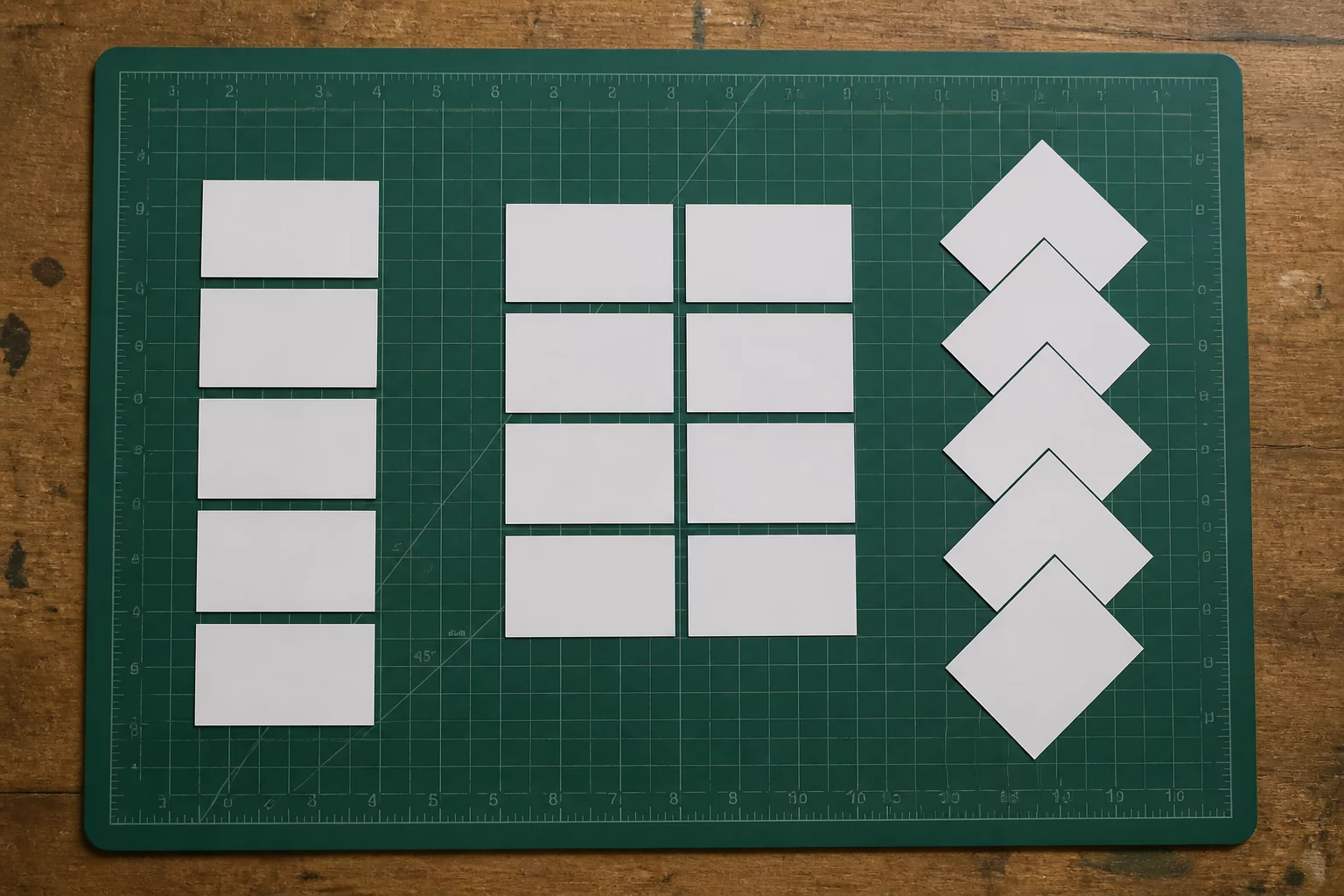
Ten Labels, Three Layout Strategies
Exploring grid arrangements, staggered nesting, and grouped clusters for production speed.
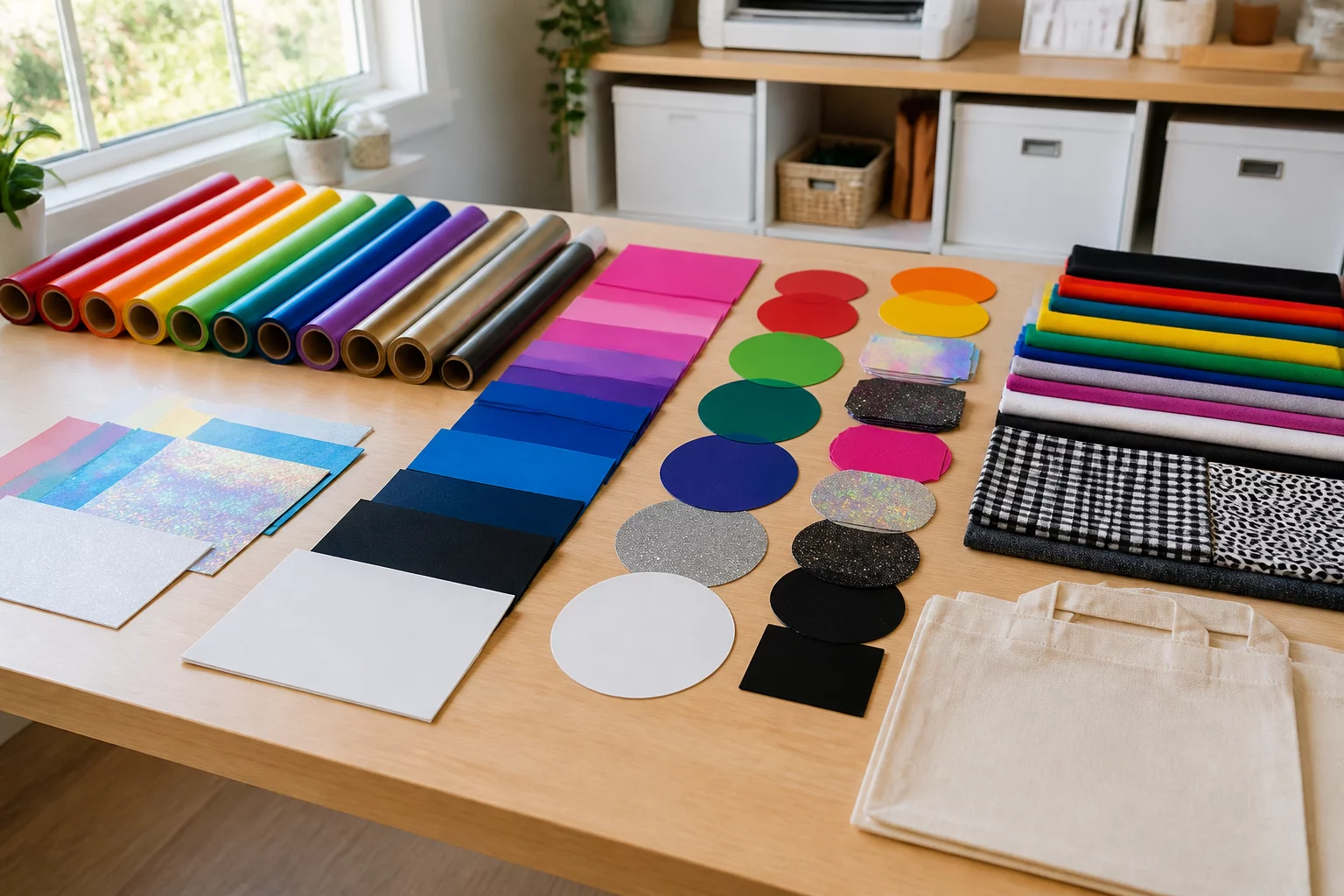
Group by Design or Group by Material?
Determining whether to nest multiple components by project bundle or consolidate by substrate.
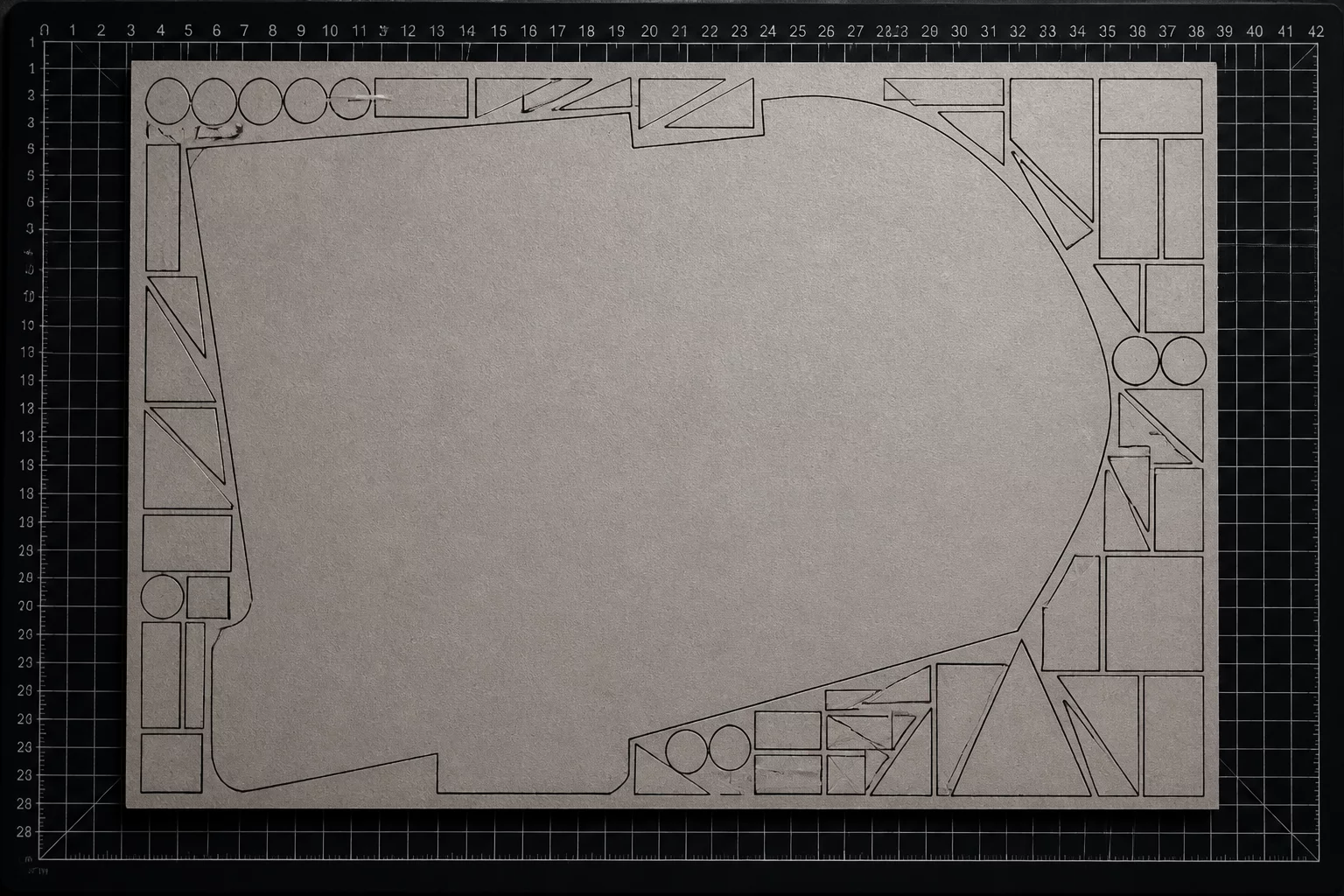
One Large Piece Changes the Whole Sheet
Strategic placement techniques when a dominant oversized piece dictates remainder space.
Workshop Feedback & Notes
Great visual examples of orientation limits.
Leave a Comment or Observation
Share your cutting tests, nesting challenges, or workflow feedback.